
YouTube Thumbnail
It watches the video before it draws
Paste the link and it reads the transcript, not just the title, then stages the shot around your real face.
 Reading the videoYour thumbnail
reading included
- Reads the transcript
- Stars your real face
- No watermark
- Commercial use
The proof
Every one of these is a real render
Bright and dark, loud and clinical, faces and none. Different subjects, different palettes, one feature.
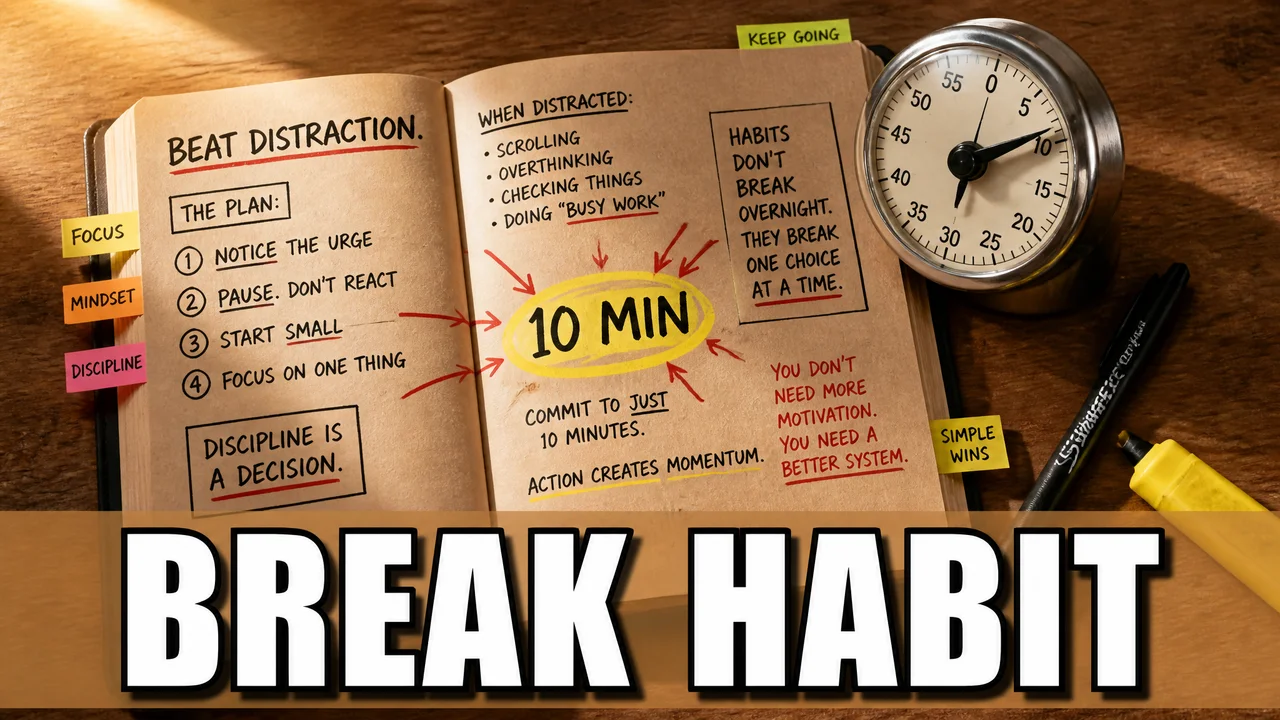


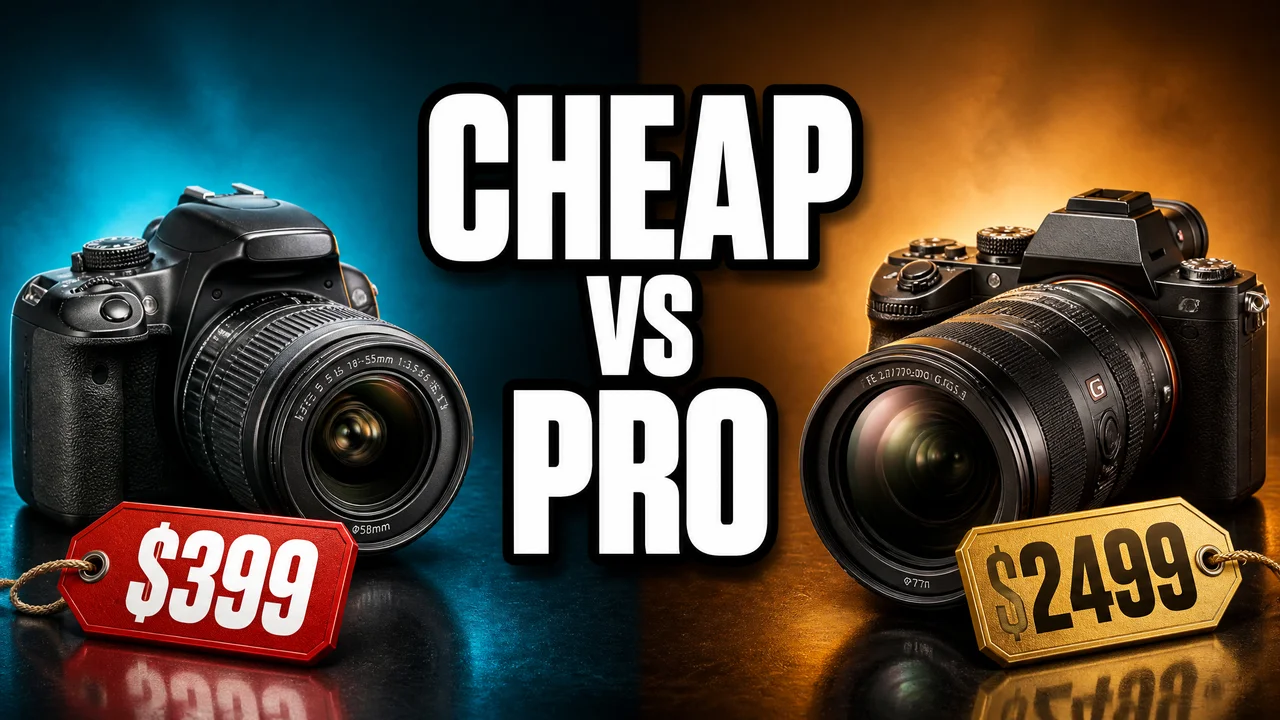
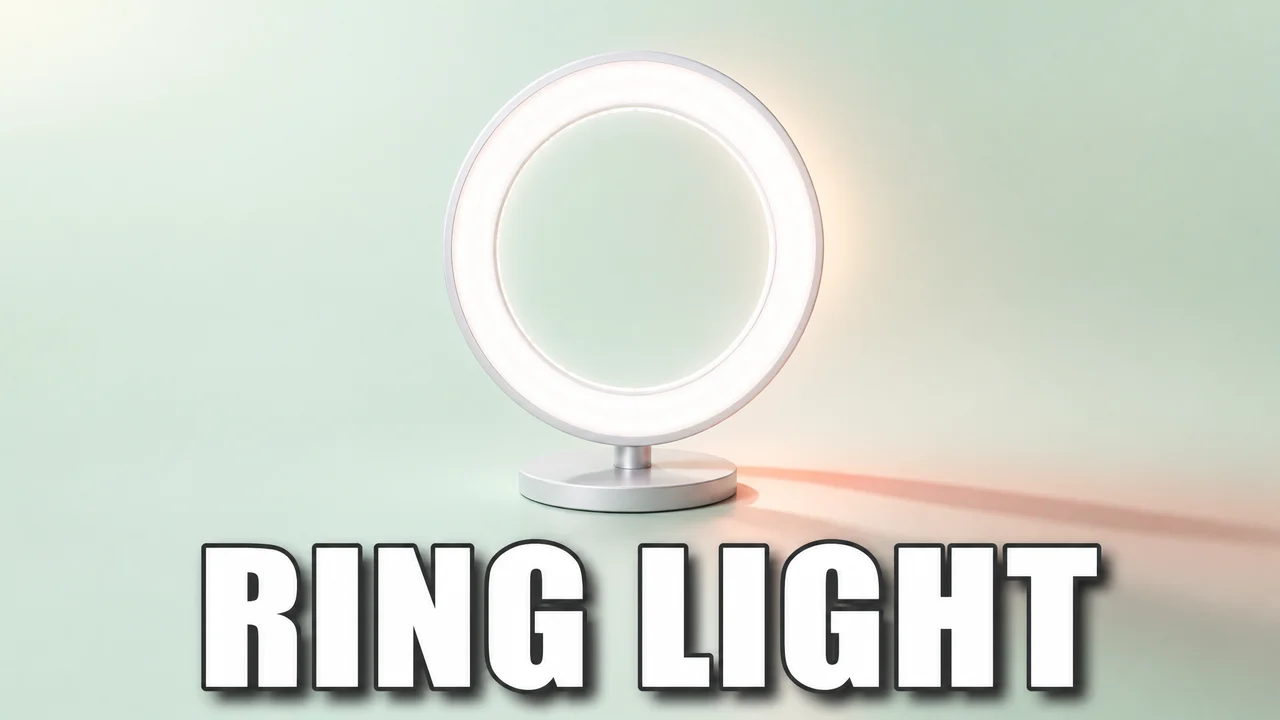
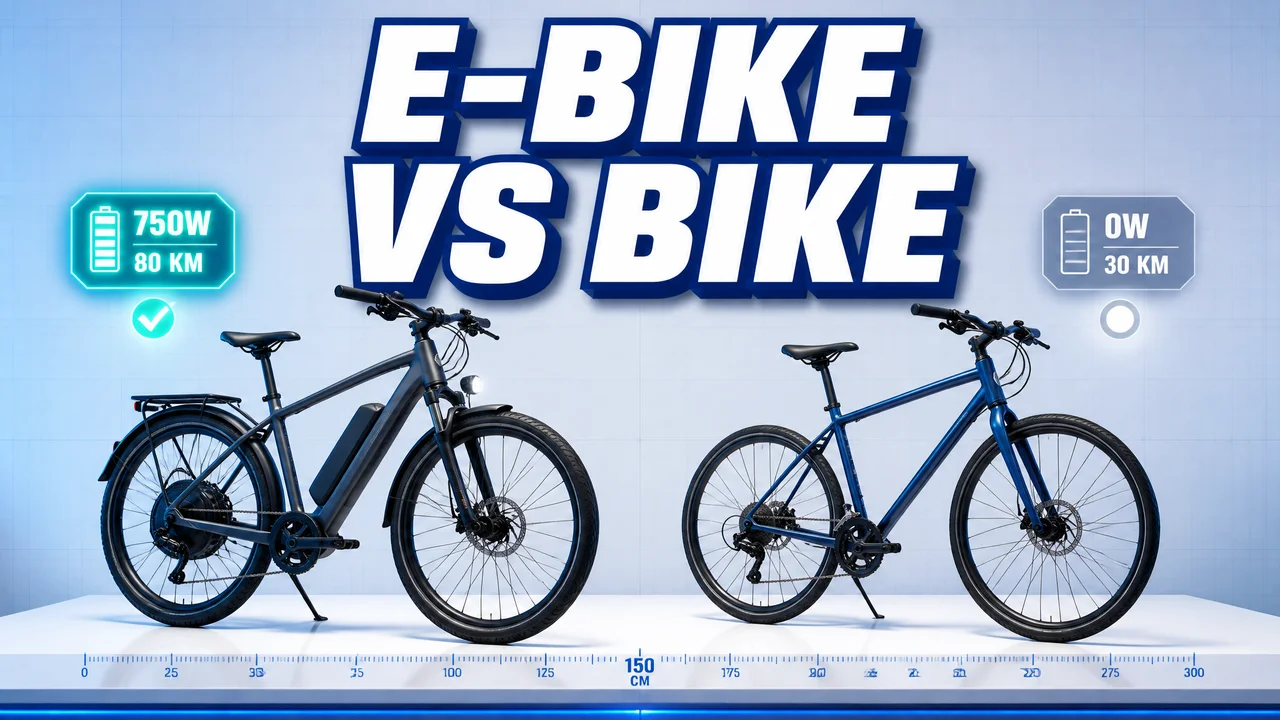
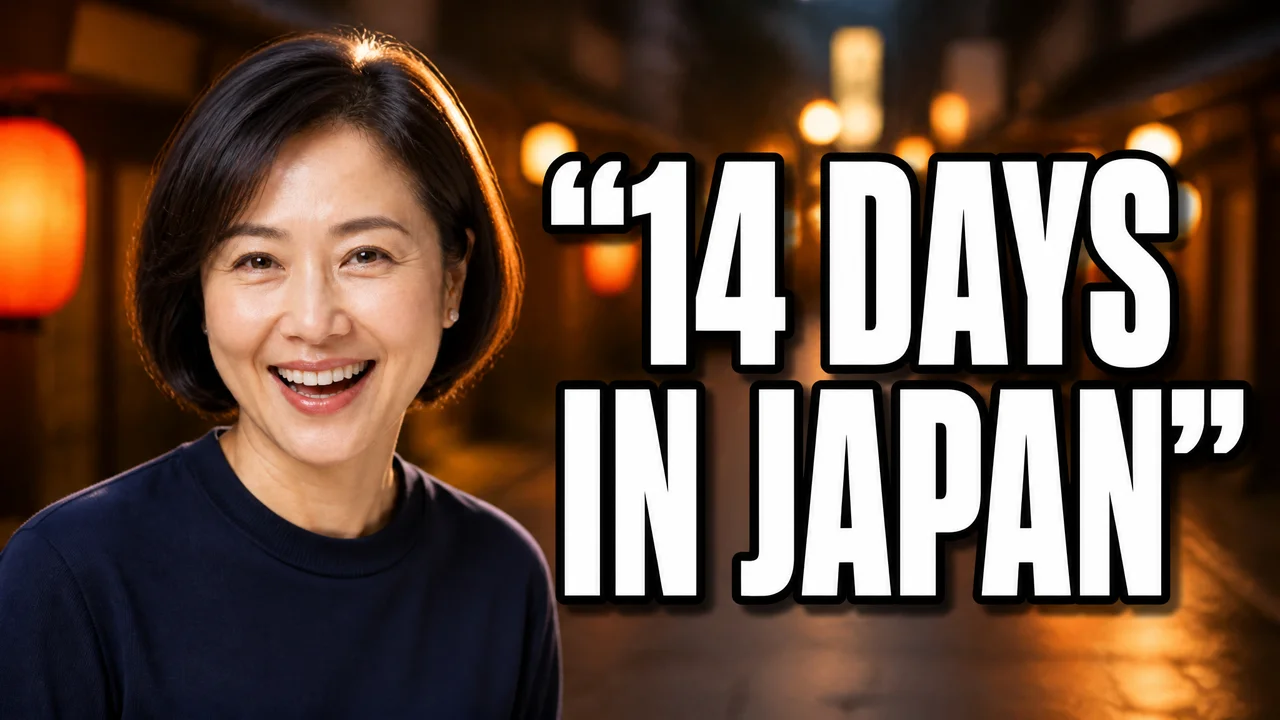
Nothing here is a mockup or a stock photo. Point at the rail to stop it.
What is in the frame
Not every thumbnail needs your face
A review needs your face and the product. A tier list needs neither.
You pick the shape and the thumbnail is built to it.
One person
You, front and centre.
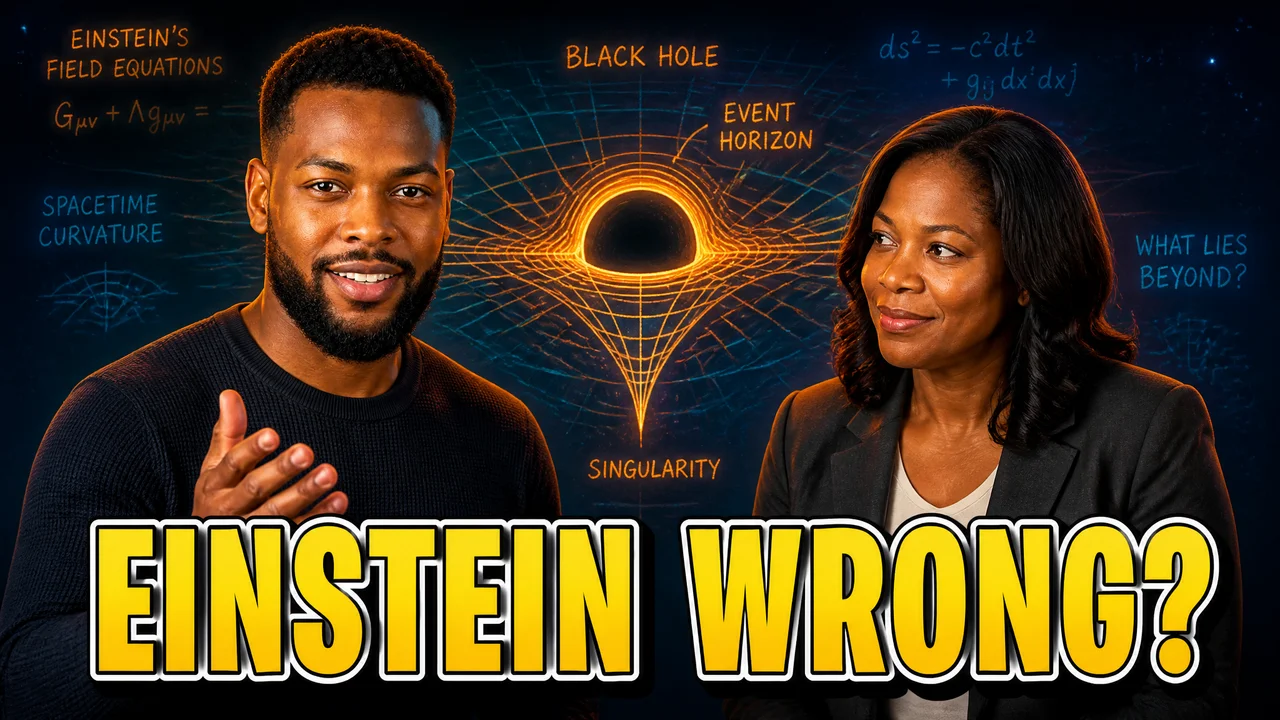
Two people
A guest, a co-host, a debate.

Person + product
You holding the thing.

No person
When the subject is the story.

Product only
The thing, staged.
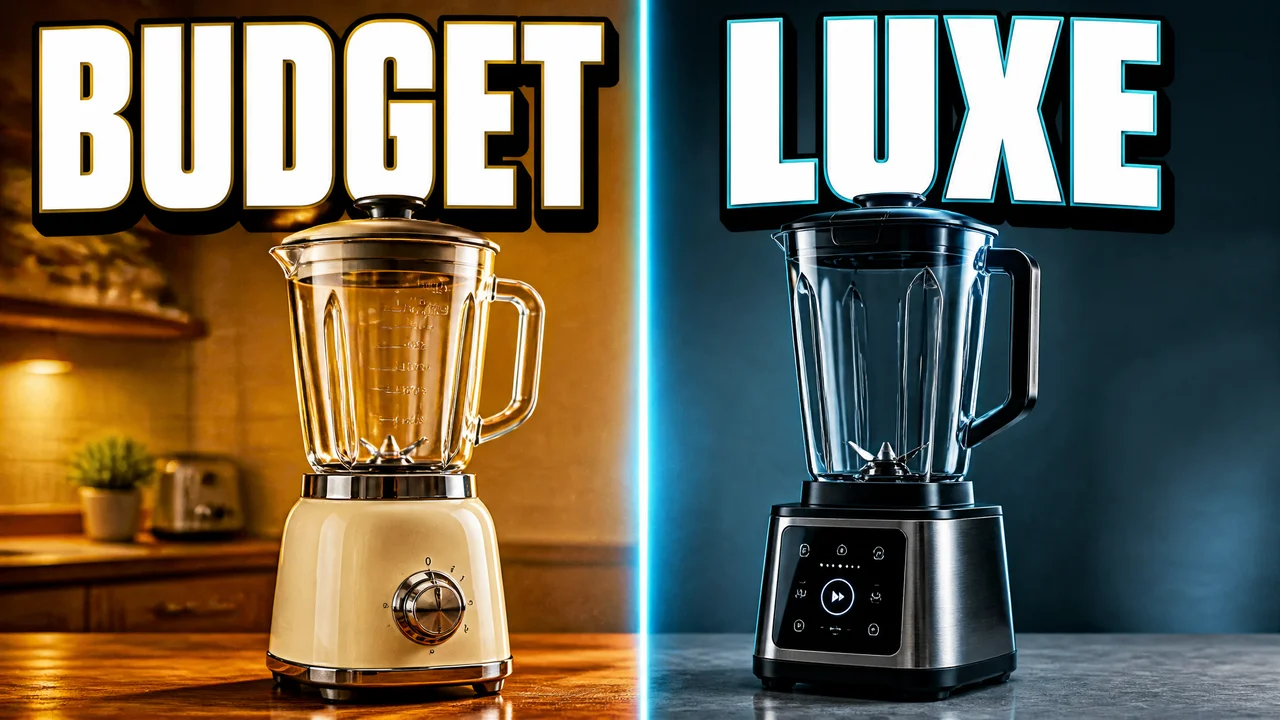
Two products
This one against that one.
Your face, your brand
Pick the reaction
Shocked sells a reveal, excited sells a win, and a straight face sells a tutorial.
Choose the expression and the thumbnail is made in it.
And your brand rides along
Set it once. Every thumbnail after it inherits the lot.
Your palette
Background, text and accent colours drive the composition.
Your logo
Sent as a reference image, so it lands in the frame instead of being described.
Your voice
The kit’s tone rides the prompt, so the headline sounds like you wrote it.
The difference
A title tells you what it promised
A transcript tells you what happened. Every other thumbnail tool starts from the words you typed in the title box, which are written to tease rather than to describe, so the picture ends up being about the headline. This one reads the video and builds the picture from that.
- 01Paste the linkOr describe the video, if it is not uploaded yet. Both work, and the second is how most people actually plan a thumbnail.
- 02It reads the videoTitle, description and the transcript, so the thumbnail is about what happens in the video rather than what the title claims.
- 03You are in the shotSend up to three photos of yourself and the thumbnail stars your real face, in the expression the scene calls for.
- 0:04before we start, thanks to everyone who kept asking for this one
- 0:12so this is the little projector that turned up last week
- 0:31I said it out loud when it fired up, this thing is insane for the size
- 0:44and that is with the lights still on, which I did not expect at all
- 0:58anyway, let me show you how I have it set up
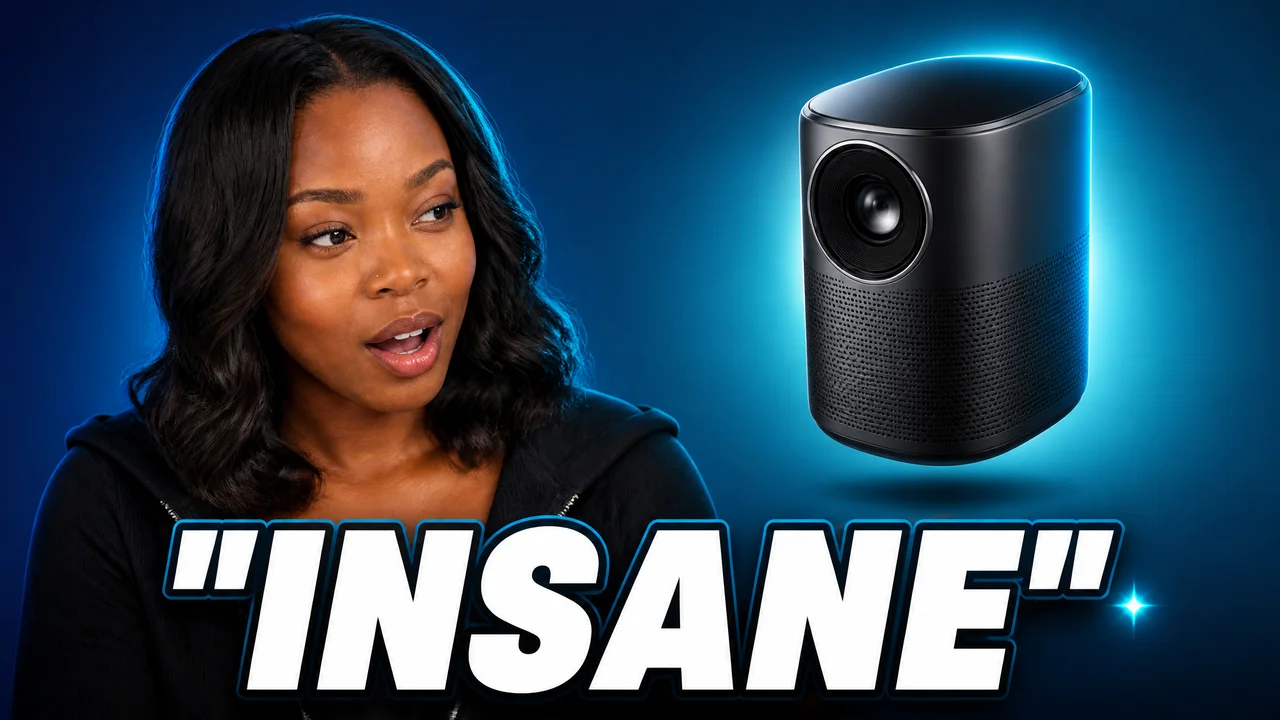
What came back: the product, her reaction, and the word she actually said. None of it was in the title.
In the feed
Nobody sees it on its own
It is one of a dozen on a screen, at the size of a playing card, next to eleven other people trying exactly as hard. That is the size it has to work at.
- Yours
 The slow morning coffee routine I actually keptYour channel
The arithmetic
The cheapest thing in the whole video
Shooting and editing
The part everyone counts, and the part nobody clicks.
Written and rewritten
Free, and maybe a fifth of what earns the click.
The thumbnail, which decides whether any of it is seen
Reading the video is part of that price, not an extra. Fifty-two of them, a full year of weekly uploads, comes to $7.80.
Try it
Five dollars to see it work
Nothing recurring, nothing to cancel. $0.15 a thumbnail, reading the video included, so a year of weekly uploads is $7.80.
- Sixteen by nine, upload ready
- Reads the video, not the title
- No watermark, ever
- Full commercial rights
- Stars your real face
- Balance never expires
- Unused balance is refundable
- Failed renders are refunded
Once you have a balance
Make them in your browser
Sign in, do it on screen, download the file. Nothing to install and nothing to write.
Or without opening it
Two ways for people who would rather not
The same thumbnail is one line of code, or one sentence to an assistant like Claude:
give it the link and the picture comes back in the conversation.
Ask an assistant like Claude
youHey Claude, make a thumbnail for the video I just uploaded
- upload_filesends the photo of you
- get_pricingchecks what it costs first
- generate_youtube_thumbnailreads the video, then renders
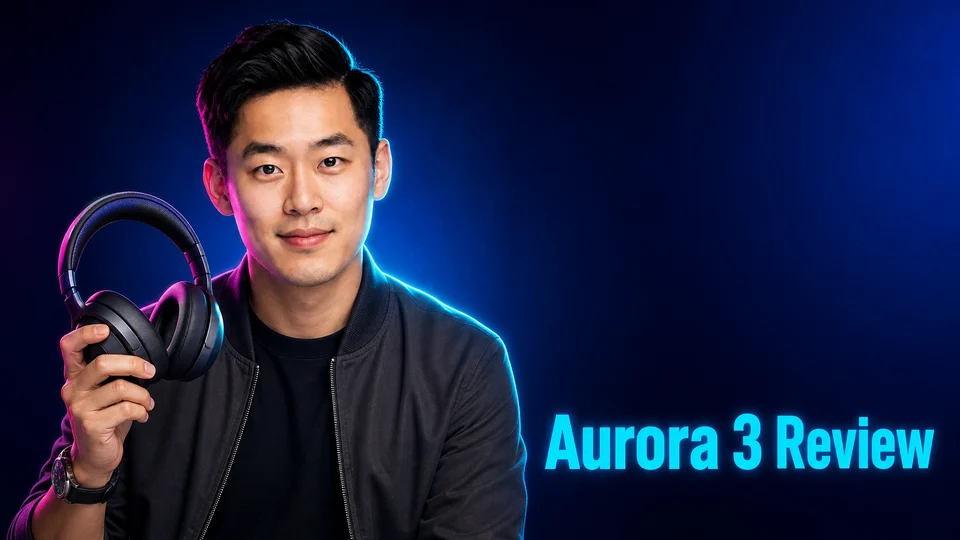
A written example. The tool names are the real ones and the file is a real render, but this is not a recording of a session.
Or call it yourself
curl -X POST "https://api.neurall.io/v3/generations" \
  -H "Authorization: nl-YOUR_API_KEY" \
  -H "Content-Type: application/json" \
  -d '{
    "feature": "image/youtube-thumbnail",
    "args": {
      "videoUrl": "https://www.youtube.com/watch?v=dQw4w9WgXcQ",
      "prompt": "High-contrast tech review look: deep blue background, hard rim light, one bold accent color, generous negative space for a short headline.",
      "composition": "person",
      "images": [
        "f_9c21e0b4"
      ],
      "expressions": [
        "excited"
      ]
    }
  }'
One POST starts the generation and a GET tells you when it has landed. Same account, same balance, same price as the website.
More than this
Neurall makes a lot more than this
It is all in the same place, on one balance, and everything you make is yours to sell.

Logo Reveal
$1 per clipDrop in any image with your logo in it. We lift the logo out and build it on screen, up to 1080p with sound.



Self-Portrait
$0.05 per image, 4KOne photo is enough. We keep the real face and restyle the wardrobe, lighting and setting across hundreds of looks.


Ads
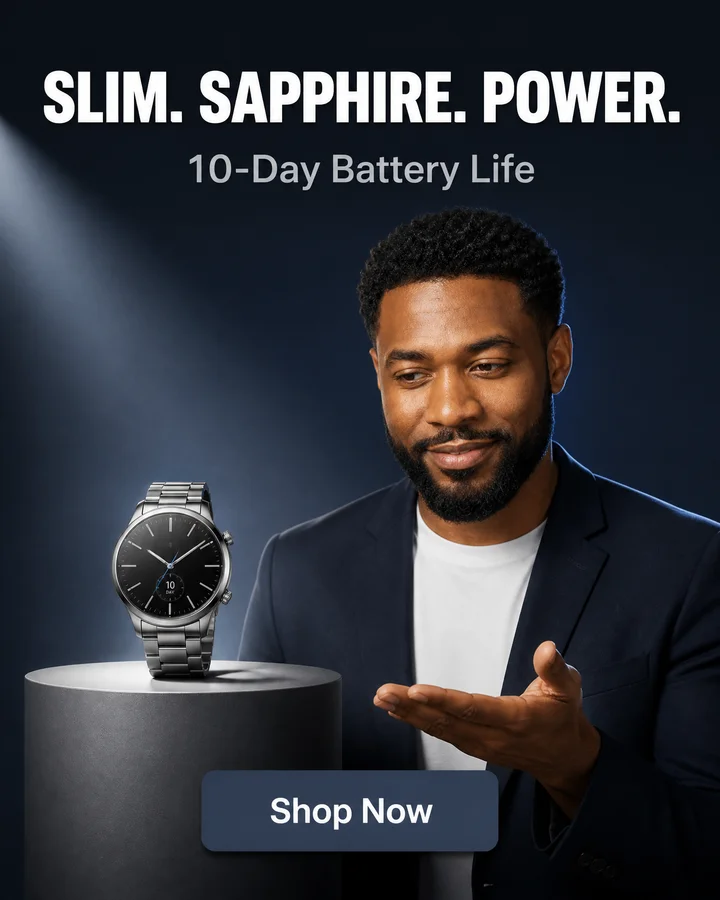
$0.20 per imagePaste the product link. We read the page itself and stage an ad that sells it, in every placement format.



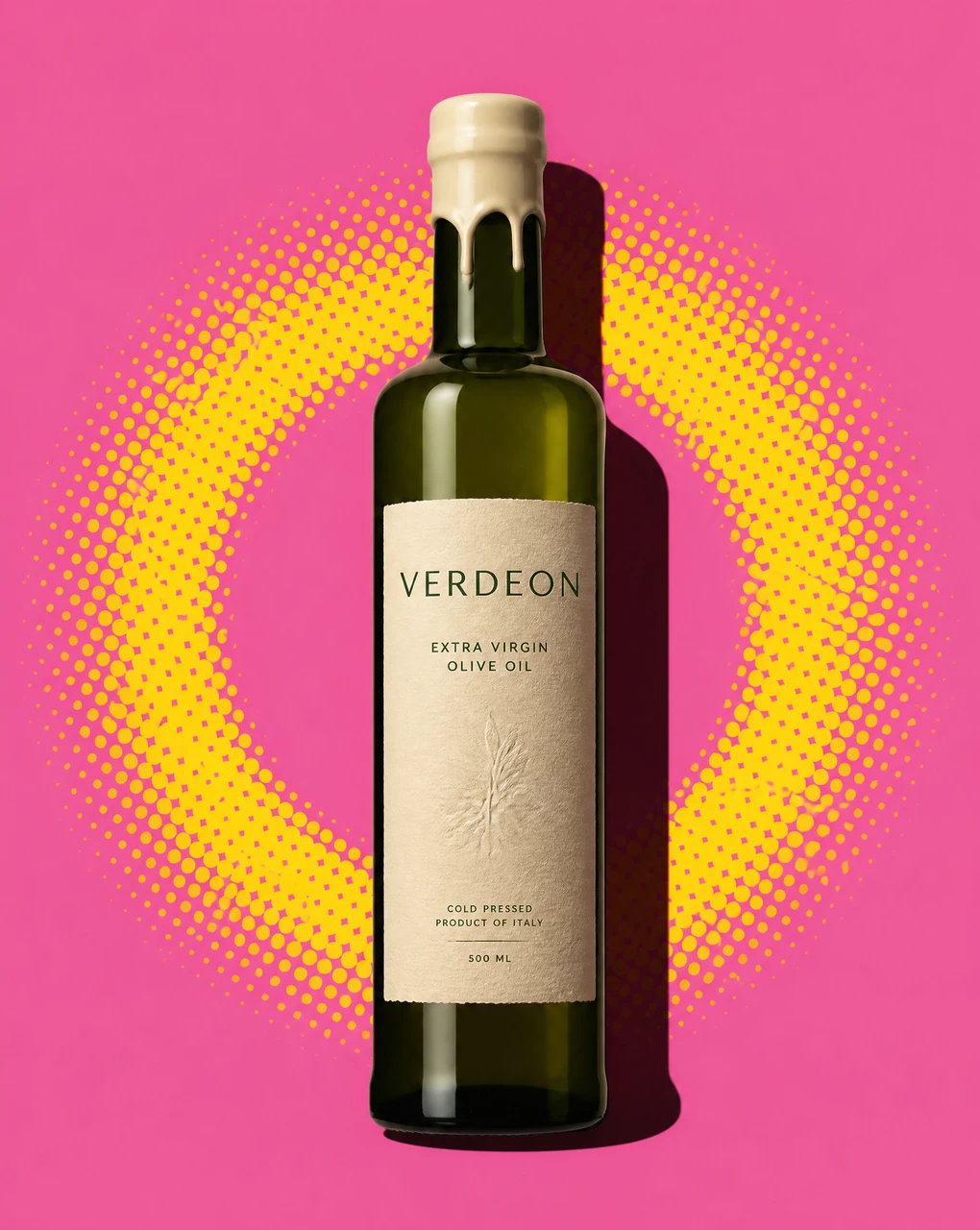

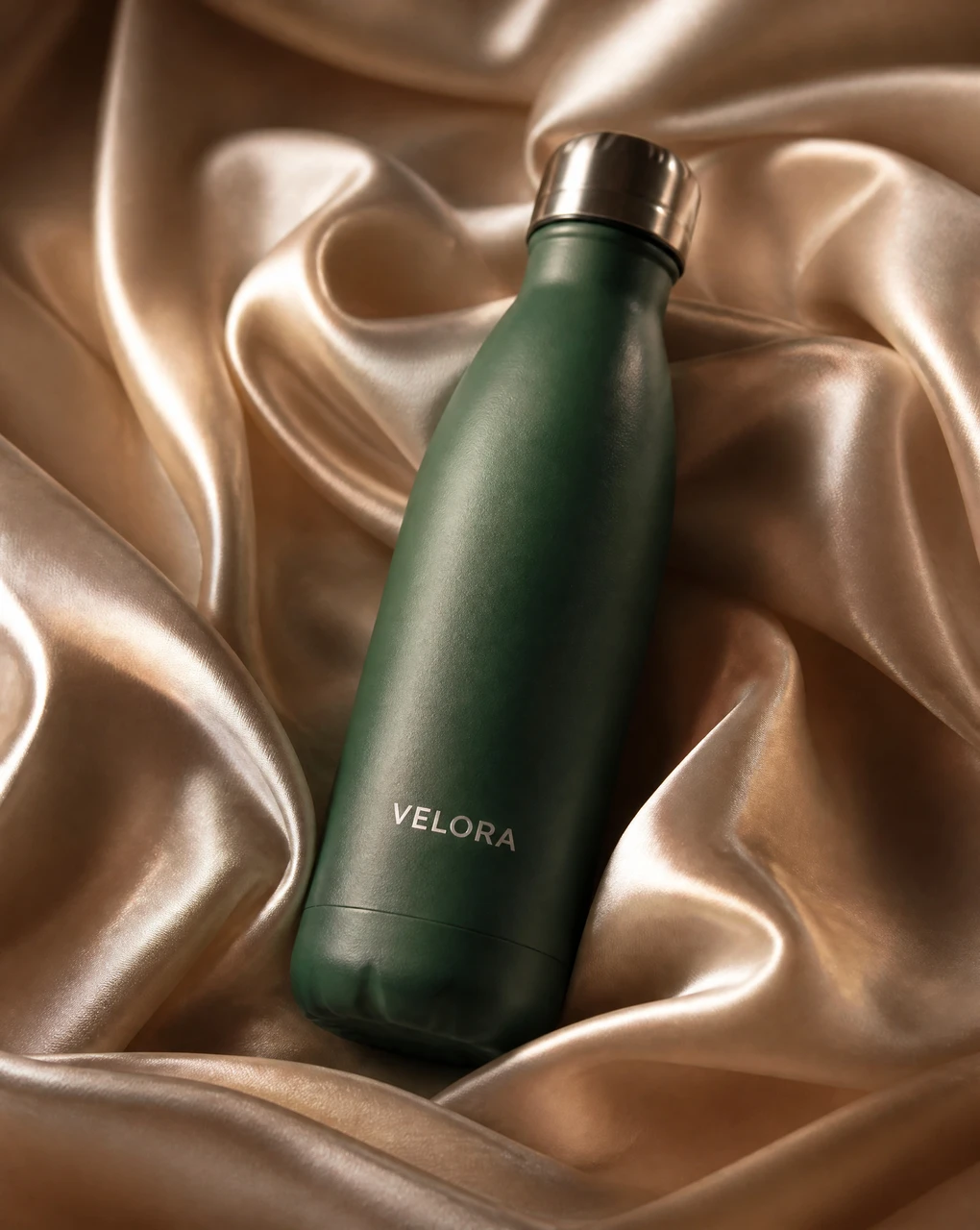
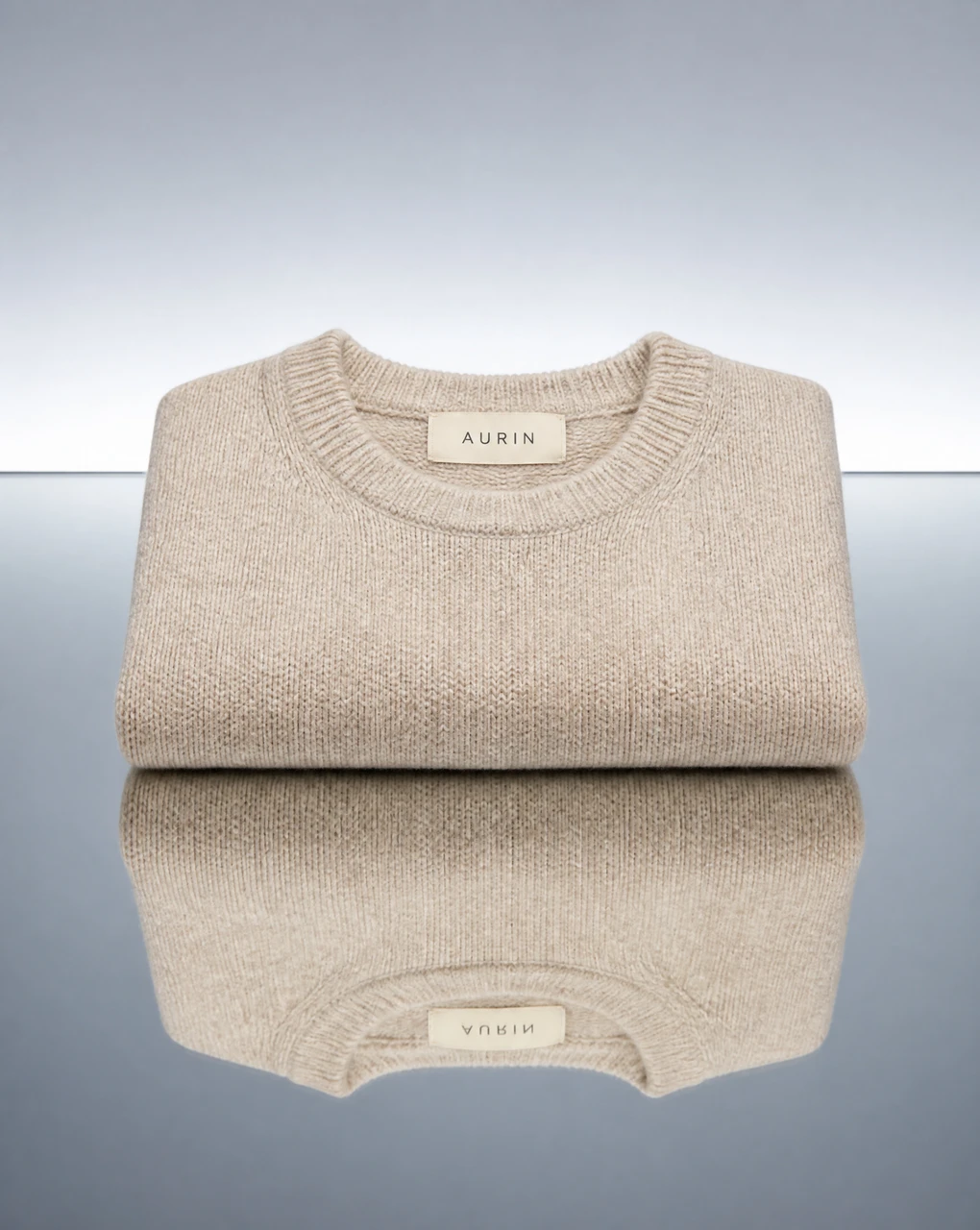
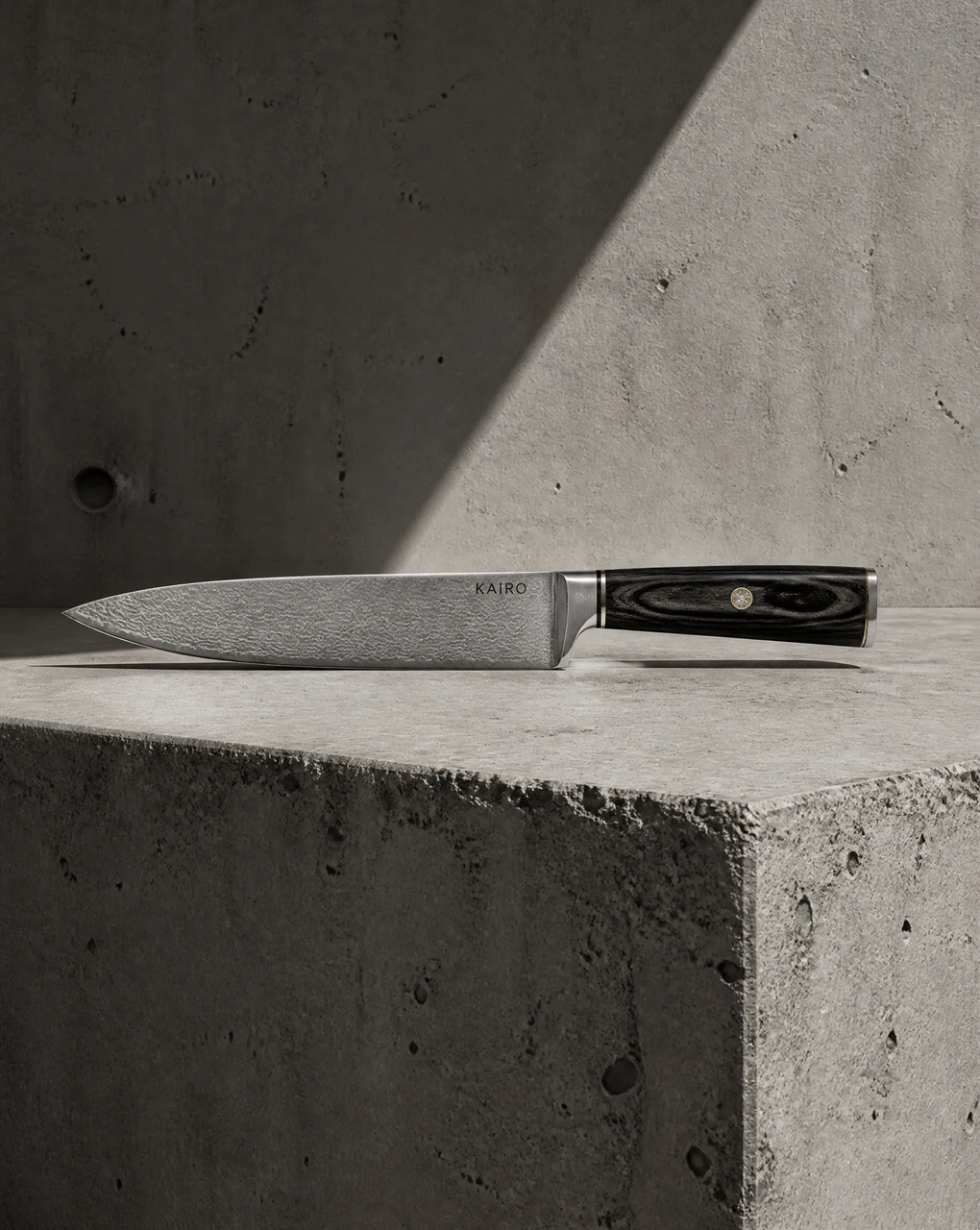
Product Shot
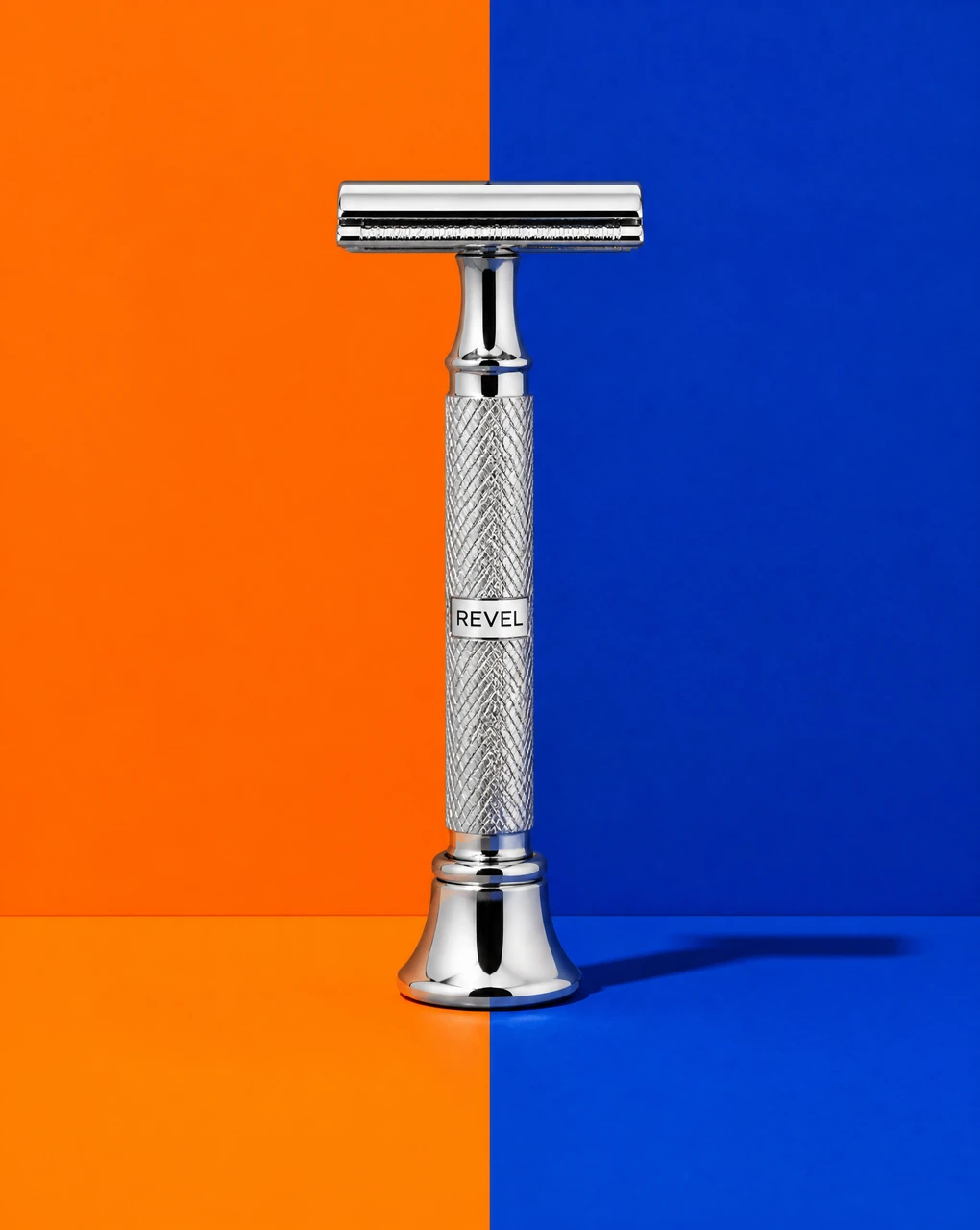
from $0.15 per imageOne saved product photo becomes a full shoot: new scenes, surfaces and lighting, your product untouched.

Object Reveal
from $1 per clipAny product, portrait or object materializes into its own scene, or breaks apart out of it, as a cinematic video.
Avatar Video
from $0.75 per 15 secondsMake any face talk: a person, a character, an animal, even a painting. Give it a voice or your own audio.
Voiceover
$0.15 per 1,000 charactersOver 120 studio voices read your script in the language you write it, at the pace and pauses you set.
Voice Cloning
$3, onceRecord or upload about thirty seconds of a voice. From then on it reads anything you write.
Questions, answered
What does it actually read?
The video’s title, its description and its transcript. That last one is the difference: a thumbnail built from a title is a thumbnail about a headline, and a title is written to tease rather than to describe. Reading what is said in the video is how the picture ends up being about the video.
Can I make one before the video is public?
Yes, and this is the workflow most creators actually want. Instead of a link, describe the video in a sentence or two and it works from that: nothing is fetched, nothing has to be uploaded first, and you can design the thumbnail before you shoot.
How does it know what I look like?
You send up to three photos of yourself. The thumbnail stars your real face rather than a stock model or an approximation, which is the part that makes a channel look like a channel instead of a stock library.
How much is it, exactly?
$0.15 per thumbnail, and that covers reading the video as well as the render. If you publish weekly, a year of thumbnails is $7.80. Nothing recurring: you add balance and spend it on what you make.
What size do they come out at?
Sixteen by nine, at the resolution YouTube wants, so they upload without cropping or resizing. No watermark and nothing to strip off first.
Can I try a few and pick one?
That is the intended way to use it. At this price a handful of variations costs less than a coffee, so generate several, put them side by side and ship the one that earns the click.
Can I use them commercially?
Yes. Full commercial rights, no watermark and no attribution, on a monetised channel or a client’s.
Is there a free trial?
No. Every thumbnail on this page is a real render, so you can judge the quality before spending anything. You add funds and pay $0.15 an image, and whatever you do not spend is refundable for 60 days.
Paste a link.
Add funds, generate, own the result. No subscription, no watermark, you pay per generation.